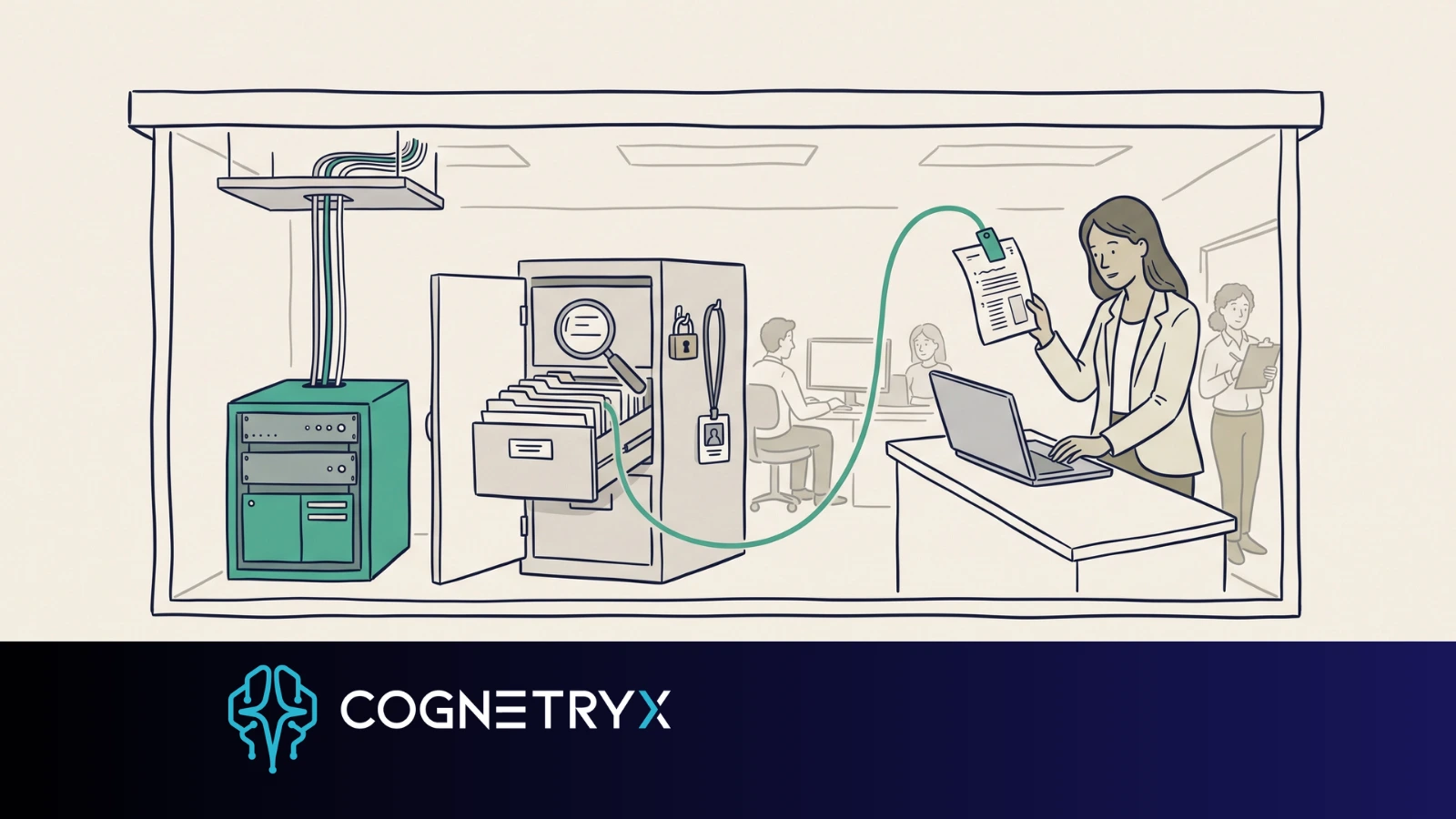
A nurse asks the in-house AI tool to sum up a patient chart. A banker asks why a credit exception got approved. A legal team asks which contracts changed the clause that ends a deal.
Each answer needs files the company guards. So where the AI runs matters long before anyone picks a model.
On-premises AI runs on computers your company owns or controls. The models, your files, the search, and the app people use all stay inside your own network. A public cloud AI service works the other way. It sends your prompts and files out to the vendor.
On-premises AI keeps the model and your data inside your own network. The model is the small part. What makes it work is the search over your files, the sign-in rules, the logs, and the citations staff can check. It fits where three things meet: data you have to protect, the same work over and over, and hard limits on sharing files outside. It costs planning and hardware work up front. You also take on the job of running it. Start with one small job that has named users and a review step.
For a regulated business, that choice shapes more than the tech stack. It sets where your data goes, who can run the system, what logs you get, and who may see what. It also sets whether you can explain your AI use to an auditor, a client, a regulator, or the board.
What does an on-premises AI platform include?
Several parts. Language models. Servers with enough CPU or GPU power. Search over your files. Sign-in and access controls. Links to the systems that hold your data. Alerts when a part fails. And a place where staff type a question or start a job. All of it runs inside your network, or in a private space you control.
The most common use is search plus answers over your own files. The platform indexes what you approve: rules, contracts, guides, research, manuals, case files. Someone asks a question. The system pulls the passages that match and hands them to the model. The answer can then point back to the source it used. Vendors call this retrieval-augmented generation, or RAG.
That citation layer earns its keep. A slick answer with no proof creates work for whoever has to check it. An answer that names the policy section, the file version, or the page number lets staff confirm it in seconds.
The hardware can be smaller than people expect. A single GPU box in a server closet counts. So does a rented rack in someone else's data center. So does a walled-off slice of a private cloud that stays yours alone. Which one fits comes down to your space, your staff, and your budget. All three answer the same question. Does your data stay in a place run by your own rules? That answer also sets how much of your AI governance you can enforce.
Why does it matter where the AI runs?
When staff use a public AI tool, the prompt itself can carry sensitive data. So can the files they attach, the text pulled back, the chat history, and the logs. You can write policy about all of it. The data still leaves your network.
An on-premises build cuts that risk. Prompts, source files, the search index, and answers stay inside walls you run. Security teams can tie AI access to the sign-on system they already use. They set rights by role and keep audit trails next to every other app.
This matters most for data under a privacy contract, rules for your field, export controls, or records laws. Your own labels for what counts as sensitive raise the same problem. Going private gives you a base to work from. Being in the clear still rests on policy, setup, staff habits, how long you keep files, and how you manage vendors.
Picture a health system that wants staff to search clinical guides. The AI has to respect who may open which file. A plant needs its drawings, supplier terms, and repair records to stay in the building. A government team needs firm limits on where data is stored and who holds admin rights. The model under all three may be the same. The rules around it differ every time.
How does an on-premises system work day to day?
The builds that pay off start with one clear problem. Cutting the hours staff spend hunting for approved rules. Drafting internal reports. Reviewing a big set of files. Answering the same questions week after week.
Files get pulled in from systems you approve and turned into an index people can search. The platform should keep the source details, honor file-level access rights, and refresh files as records change. A stale guide in the index still gives an answer that sounds right, and that answer will be wrong.
When someone asks a question, the system checks who they are and what they may see. Then it pulls matching files and writes an answer from them. It shows citations and logs the exchange. On riskier work, many teams have a person check the output before it goes outside or feeds a decision.
The model is one link in that chain. A test score matters less than clean data, access rights, how well the tool connects, and how review is built. A strong model cannot fix systems it cannot reach, records that clash, or files nobody owns.
Which controls should you check?
A serious build ties into single sign-on, rights by role, audit logs, and encryption. It also wants a network split into zones, backups, and a sign-off step for admin changes. The exact list depends on your setup. AI should fit the security model you already run. Our private LLM deployment checklist works through each one as a buyer question.
Name who can add data sources, change system prompts, adjust model settings, and read usage logs. Those sound like plumbing questions because they are. They also decide whether staff still trust the system a year later. By then the first team has moved on and the files have turned over twice.
Does on-premises AI cost less than cloud AI?
Cloud AI is easy to try. Its pay-per-use price gets hard to predict once a tool spreads across teams. Four things move the bill: how many questions get asked, how big each prompt is, how many files get read, and which model answers.
On-premises AI shifts the money to hardware, setup, support, and daily upkeep. That takes planning up front. For teams with steady use, a fixed platform cost tends to budget better than paying per prompt. Which one wins depends on four things: your volume, how hard the work is, how long the hardware lasts, and how much support you need.
Owning it counts too. Open-weight models give you more say over which model you run, when you upgrade it, and how you tune it. You still owe the system testing and watching. What you gain is less reliance on one outside vendor, and a calmer path through change control.
What do you take on in return?
On-premises AI hands you the day job. You or a hired partner runs the setup, and the hardware has to be sized for the load you expect. Models need testing on real tasks, data links need upkeep, and patches and upgrades run through your own change control.
Plan for a gap in what it can do. The newest hosted models often reach the market before anything close clears a private setup. Some work wants serious GPU power. That is most true when many people use it at once and want a fast reply. A smaller model tuned to one task, paired with good search, often beats the biggest model on the market. The right call depends on the task, the speed you need, how sensitive the data is, and your budget.
Keep the accuracy bar where it was. Hallucinations, thin search results, vague prompts, and stale files are all still live risks inside your own walls. Citations, testing on the real task, and human review are the guards that work. That goes double for work that touches clients, patients, money, legal claims, or safety.
Where does on-premises AI fit best?
It fits when you hold files worth guarding, repeat the same work often, and face hard limits on sharing data outside. Common uses: private search across your own files, contract and file review, policy questions, reports, help-desk support, and decision support.
The best first use cases are small. They have named users, files you approve, a time cost you can measure, and a review step. A promise to make every employee faster is hard to govern and harder to measure. One tight job surfaces your data problems and access gaps while the system is still small enough to fix.
Cognetryx treats private AI as a working platform. Models hosted on site, access you control, and answers you can check against the source files. That framing keeps the focus on the whole system behind the chat box.
So pick one job. Ask whether it can meet your bar for privacy, checking, cost control, and who is on the hook. Answer that, and where the system runs becomes a business call with real weight in IT.
The four-minute version, focused on the model itself: On-Premises LLM Deployment, Explained. Sorting which work has to stay in-house: When Should AI Run On-Premises? What IT teams hit once they start building: Building Private AI: What IT Teams Actually Find.
See it run on your own files
A short review maps your first use case to the controls it needs. It also shows what changes when the model runs inside your network.
Book a Free AI Strategy Assessment