
How Locally-Hosted Enterprise AI Works
How Lumen, the private AI platform from Cognetryx, turns your own documents into answers you can check, all inside your network.
- Collateral Restrictions: Acceptable collateral is restricted to the borrower’s owner-occupied primary or eligible secondary residence [10].
- Exclusions: Commercial, agricultural, investment, rental properties, undeveloped parcels, multi-family dwellings beyond eligible definitions, and properties under active construction are not accepted [11].
- Loan-to-Value (LTV): The maximum LTV is 95% [12].
- Insurance: Proof of hazard insurance is required before disbursement. Coverage must satisfy the total outstanding balance of all mortgages, and the bank must be named as a loss payee [13].
- Title: Title due diligence (search or insurance commitment) must be completed per the bank’s Title Policy [14].
5. Indirect and Second Mortgage Lending
- Third-Party Originators: Participating originators must sign a Sales Contract and Originator Agreement. Rates, terms, and reserves are established in writing [15].
- Lien Position: The bank will not extend credit unless it holds a first or second lien position [16].
- Second Mortgage Requirements: Specific documents are required, including:
- Promissory note
Cited passage
All participating third-party originators will sign a Sales Contract and Originator Agreement.
| Rate Change Frequency: | Monthly. |
| Interest Rate Ceiling: | Maximum rate permitted by applicable law. |
| Interest Rate Floor: | 2.99%. |
| Maximum Full Plan Term: | Twenty (20) years. |
| Maximum Draw Period: | Ten (10) years from plan establishment. |
| Minimum Payment: | Interest only during the draw period; amortizing during repayment. |
| Maximum Credit Limit: | $250,000. |
| Maximum LTV: | 95%. |
| Appraisal: | Full appraisal required. |
| Lending Area: | Contiguous United States, subject to the bank’s state licensing and applicable restrictions. |
General Guidelines
- Eligible collateral is limited to the borrower’s primary or secondary (vacation, non-rental) residence.
- A title insurance policy is required on all indirect home equity lines.
- A three-day Notice of Right to Cancel will be provided to each borrower on refinance transactions.
- The Board of Directors may, at its discretion, elect not to implement an otherwise-permitted rate increase.
- There are no limitations on the number of advances per quarter or per year.
- The bank’s indirect HELOC portfolio will be managed in accordance with the concentration risk policy.
- The bank values selective relationships with third-party originators and will generally not limit portfolio concentration at any one originator. However, the LRC may limit future purchases based on submission quality.
- All participating third-party originators will sign a Sales Contract and Originator Agreement.
- The bank’s rates, terms, and reserve paid to the originator will be established in writing with each originator.
- All indirect loans will be reviewed and processed in accordance with bank underwriting guidelines and identified by credit tier and originator for reporting purposes.
- The bank will not extend credit unless it holds a first or second lien position.
- Borrowers must maintain property insurance throughout the loan term with the bank listed as mortgagee.
37
Here, Lumen summarizes a sample bank lending policy and opens the cited page on the right. Select 1, 2 or 3 to see how it works.
Every claim cites its source
Numbered citations sit next to each point in the answer.
The source opens beside it
Click a citation and the original file opens at the cited page.
The exact line is highlighted
A reviewer can check the claim against the policy itself.
The Lumen Platform
Taking Your AI & Data Private
The capabilities your teams use, all inside your network.
Pick a template to start fast, or just give your agent a name and build from scratch. The name is how you’ll find it later.
Describe what you want this agent to do
e.g. Every weekday at 7am, summarize my unread email and today’s calendar, and post the brief to my #standup Slack channelEvery weekday at 8 AM, check new loan files against our credit policy and post any missing documents to #loan-ops in Slack.
Draft my agentFills in the name, flow, briefing, and a suggested schedule. You can change everything.
Draft applied. Everything below is editable.
Agent name *
Loan File Checke.g. Morning Brief
A short label so you can find this agent later.
Description
Checks new loan files for missing documents and posts the gaps to Slack.What does this agent do?
Trigger→decides when the agent wakes up
Flow→the plan: tools it may use, in rough order
Briefing→standing instructions it reads every run
Resultits final answer, plus anything it posted
Building blocks
Start from
WebhookRun when an external system POSTs to a URL ScheduleRun on a recurring schedule (cron) Email receivedRun when a new email arrives (Gmail / Outlook) Document uploadedRun when a document finishes ingesting in a collection Jira issue createdRun when a new Jira issue is created Slack mentionRun when the Slack app is @-mentionedFlow steps
Think it throughLet the AI reason about the taskKnowledge & Memory5
Flow (4 steps)
Tool
Documents · SearchFind loan files added since the last run
#1Think it through
Check each file against the credit policy’s document list
#2Tool
Slack · Post messagePost the missing documents to #loan-ops
#3Output
Return the list of gaps
#4Select a step above to configure it, or drag a tool from the palette to add one.
The agent treats the flow as its plan. It follows the steps in order but can adapt based on your briefing.Trigger→decides when the agent wakes up
Flow→the plan: tools it may use, in rough order
Briefing→standing instructions it reads every run
Resultits final answer, plus anything it posted
Runs whenEdit
ScheduleWeekdays at 8:00+ can always be run manually
Loan File Check
Checks new loan files for missing documents and posts the gaps to Slack.
Briefing
You check new loan files for missing documents.
1. Search for loan files added since the last run.
2. Compare each file with the credit policy’s list of required documents.
3. Post one line per file with gaps to #loan-ops.
4. Call finish with the list.
Flow (4)
- #1Tool callDocuments · SearchFind loan files added since the last run
- #2Think it throughCheck each file against the credit policy’s document list
- #3Tool callSlack · Post messagePost the missing documents to #loan-ops
- #4OutputReturn the list of gaps
Pre-flight checks
Briefing set
All 4 steps have a tool or purpose
Slack connected
Test runSave as draftGo LiveUpdate & keep live
Dana Whitfield 0:04
Let’s start with Tollard. Debt service coverage is 1.38x on the financial statements.
Marcus Lee 0:17
On the tax returns it’s 1.06x. That’s under our 1.25x minimum.
Dana Whitfield 0:29H
Then it goes to committee with an exception memo. Can we have it by Friday?
Priya Shah 0:41
I’ll pull the 2025 statements and send the gap by Wednesday.
Credit Committee Prep
9/26/2026, 10:00:12 AM · 18m 42s
Save generated docs to (optional)
Microsoft 365 · Credit Committee⌄
Participants & consentHide
Dana Whitfield[email protected]AllowedMarcus Lee[email protected]AllowedPriya Shah[email protected]Allowed
My notes+
Transcript (94 segments)+
DOCXCredit Committee Prep Minutes.docx
Minutes: Credit Committee Prep
September 26, 2026 · 18 minutes · Dana Whitfield, Marcus Lee, Priya Shah
Discussion
- Tollard’s debt service coverage is 1.38x on the financial statements and 1.06x on the tax returns, against a 1.25x minimum.
- The request goes to committee with an exception memo.
Action items
| Owner | Task | Due |
|---|---|---|
| Priya Shah | Send the 2025 statement gap | Wed |
| Dana Whitfield | Draft the exception memo | Fri |
Compliance Portal
Custodian
Keyword
Dana Whitfield
Conversation: Home Equity Line 97 Percent LTV Exception
Prompt
A longtime customer wants a home equity line on her owner-occupied home at 97% LTV. Our lending policy caps LTV at 95%. Can we approve it as an exception?
› Thinking
ResponseSep 26, 10:42:31 AM
Based on your lending policy, the maximum LTV for a home equity line is 95% [1]. A 97% LTV request exceeds that cap, so an underwriter cannot approve it. It would need an LRC exception.
Citations & metadata
RAG sources: Lending Policy Generic Bank MI.pdf (5 chunks)
Dana Whitfield
Conversation: LTV Exception Question
Prompt
Is there a way to approve the 97% line without the committee?
› Thinking
ResponseSep 25, 03:15:02 PM
Your lending policy caps home equity lines at 95% LTV. Anything above that goes to the LRC as an exception [1].
Citations & metadata
RAG sources: Lending Policy Generic Bank MI.pdf (1 chunk)
Sample data. Select a feature to play its demo.
The Process
How Your Data Stays Private
Every step of the pipeline runs inside your network. Nothing leaves.
Inside your network
-
01
Connect your documents
Lumen connects to SharePoint, Confluence, NetSuite, Salesforce, Google Drive, and more through their APIs, and to the files on your own servers.
Upload
Internal files brought in securely
Indexing
Prepared for search
-
02
Ask in plain language
Query internal documents using conversational language, no SQL required.
Search
By meaning, keyword, and link
Rank
Top passages selected by relevance
Answer
Written from the top passages
-
03
Check the source
Every answer links to the passage it used, highlighted in the original file.
Cited Answer
Each claim tied to its passage
Audit Log
Question, sources, and answer recorded
Every step above runs on your own servers, from indexing your files to writing the answer. Security matters more than ever. In IBM’s 2026 breach study, 43% of organizations had an incident involving unapproved AI tools, up from 20% a year before. The same controls keep your data and your AI in your hands. You choose the model and when it changes. The AI sees only what each person can open, needs sign‑off to file, send, or approve, and logs every step.
Reasoning and Governance
It Reasons Before It Concludes
Enterprise workflows are diverse and range in complexity and utility. Take “Does our retention policy require seven years for this record?” versus “Is this transaction suspicious enough to report?” as an example.
One is clear. The other is based on a series of defined situational metrics and ironclad rules. Every industry has its own version of both. Many AI models answer both in the same confident voice, because they are trained to return the most probable answer. But is it the right one?
When a question has a direct answer, Lumen returns it immediately with citation. When a question calls for judgment, whether it arrives through document analysis or a direct query, the model lays out defensible readings and the considerations behind each. From there you decide: review each one, set policy, or automate the pattern once you know how that call should go.
What to notice in the live answer:
Cites what’s settled. The 95% cap comes straight from the policy, with its page.
Names the kind of question. A 97% request is an exception, so it needs committee approval.
Shows where judgment comes in. It weighs how far over the cap the request is and says precedent will matter.
Leaves the call to people. It tells the underwriter to build the case and let the committee decide.
A longtime customer wants a home equity line on her owner-occupied home at 97% LTV. Our lending policy caps LTV at 95%. Can we approve it as an exception?
Based on your lending policy, the maximum LTV for a home equity line is 95% [1]. A 97% LTV request exceeds that cap, so it cannot be approved at the underwriter level—it would need an LRC exception.
Here’s the path forward:
- It’s possible, but not automatic. Your policy establishes that loans exceeding standard LTV thresholds require LRC approval [2]. Rate and other policy exceptions similarly flow to the LRC [3].
- You’d submit an exception request to the LRC with supporting documentation explaining the rationale—tenure as a customer, credit profile, cash reserves, equity cushion justification, etc. The LRC will weigh the overall risk of the transaction against the relationship value [4].
- The 2-point overrun (97% vs. 95%) is material enough to warrant review but not so extreme that it’s automatically off the table—LRC precedent on similar cases will matter.
If the LRC denies it, the customer has the right to submit a written appeal [5].
Bottom line: you can’t approve this yourself. Package it as an LRC exception request with the strongest underwriting story you can, and let the committee decide.
5 sources
- Lending Policy Generic Bank MI.pdf · p. 34Maximum LTV: 95%. Appraisals: See Appraisal Policy. Lending Area: Contiguous United States, subject to the bank’s state licensing and applicable restrictions.
- Lending Policy Generic Bank MI.pdf · p. 44Loans exceeding 80% LTV may be approved by the LRC.
- Lending Policy Generic Bank MI.pdf · p. 10The bank’s cost of funds Rate exceptions are handled as follows: Rate reductions exceeding 2% require LRC approval.
- Lending Policy Generic Bank MI.pdf · p. 10The proposed rate relative to the overall risk of the transaction Any customer who disagrees with a credit decision may submit a written appeal to the LRC.
- Lending Policy Generic Bank MI.pdf · p. 10Any customer who disagrees with a credit decision may submit a written appeal to the LRC within a reasonable time following the
Model Choice
Works With the AI Model You Choose
Lumen is our own proprietary platform, and it works with the AI model your firm chooses. Pick the model that fits the work, and decide when it changes.
Lumen connects to the systems you already use and to the files on your own servers. Your people get one place to ask questions, run agents, and capture meetings, with every answer tied to your own documents.
Stay in Control
Lumen runs inside your network, and updates arrive as signed packages you install on your schedule.
Choose Your Model
Run the model that fits the job, and switch when a better one arrives.
Connect Your Data
Bring in the systems you use through their APIs, plus the files on your own servers.
Inside your network
Security & Access
Single sign-on, role-based access, and a full audit log in the Compliance Portal.
Agents & Workflows
Agents that run on a schedule or start on an event, with approvals built in.
Search & Citations
Finds the right passages in your files and shows the exact line behind every answer.
Your AI Model
Runs the model your firm chooses. Switch models as better ones arrive.
Connections
Links to your systems through their APIs, and to files on your own servers.
Your Data
Stays on your servers, and each person reaches only what they can already open.
Runs on your own servers
Deployment Options
Flexible Infrastructure Choices
Choose the deployment model that fits your organization's requirements and risk profile.
Locally-Hosted Infrastructure
Deploy and manage at your data center or colocation facility. Complete control over all aspects of deployment while keeping data within your organizational boundaries.
- Processing closer to data for lower latency
- Complete control over infrastructure
- Full compliance and audit capabilities
- Air-gapped deployment available
Private Cloud / Hybrid
For organizations with existing private cloud infrastructure, Lumen can be deployed within your secure environment with cloud-like agility.
- Cloud-like agility and scalability
- Maintains full data sovereignty
- Integrates with existing cloud investments
- AWS/Azure isolated VPC options available
Cost over time
One fixed cost as your firm grows
Cloud AI tools charge for each person, every month. Business and enterprise seats list at $20 to $30 per person on yearly plans.1 Fees for agents and heavy models come on top, and they grow as people use AI more.2
- For a firm of 1,000, seat fees alone come to $1.2 million to $1.8 million over five years. At 2,500 people, they reach $3 million to $4.5 million.
- Metered use adds to that. Microsoft sells Copilot Studio agent credits at $200 a month for each pack of 25,000,2 and GitHub moved Copilot to billing by the token in June 2026.3
- Lumen has one fixed price, set by the scope of your deployment, and runs on servers you own. Firms spread a server’s cost over about five years.4 Your cost holds steady as use grows, so agents can run on every file, every night. It rises in steps only when you expand.
For a small team, cloud seats can cost less at first. The more people use AI, and the more they use it, the sooner your own servers pay for themselves.
- List prices, September 2026: Microsoft 365 Copilot $30; Gemini Enterprise from $30; Claude Enterprise $20 plus usage; ChatGPT Business $20.
- Microsoft, Copilot Studio pricing, September 2026.
- GitHub, GitHub Copilot is moving to usage-based billing, April 27, 2026.
- IRS, Publication 946: computers are five-year property.
Featured Reading

Citations & Review
How to check an AI answer before it reaches an examiner
A source link beside an AI answer is a start. How to check that the passage backs the claim, the document is current, and the record holds up in an exam.

IT & Infrastructure
The private AI stack you’d build yourself: what it takes and how long
Running AI on your own servers: the parts to build, where it can run, what sets the timeline, and what to ask a vendor.
Access & Agents
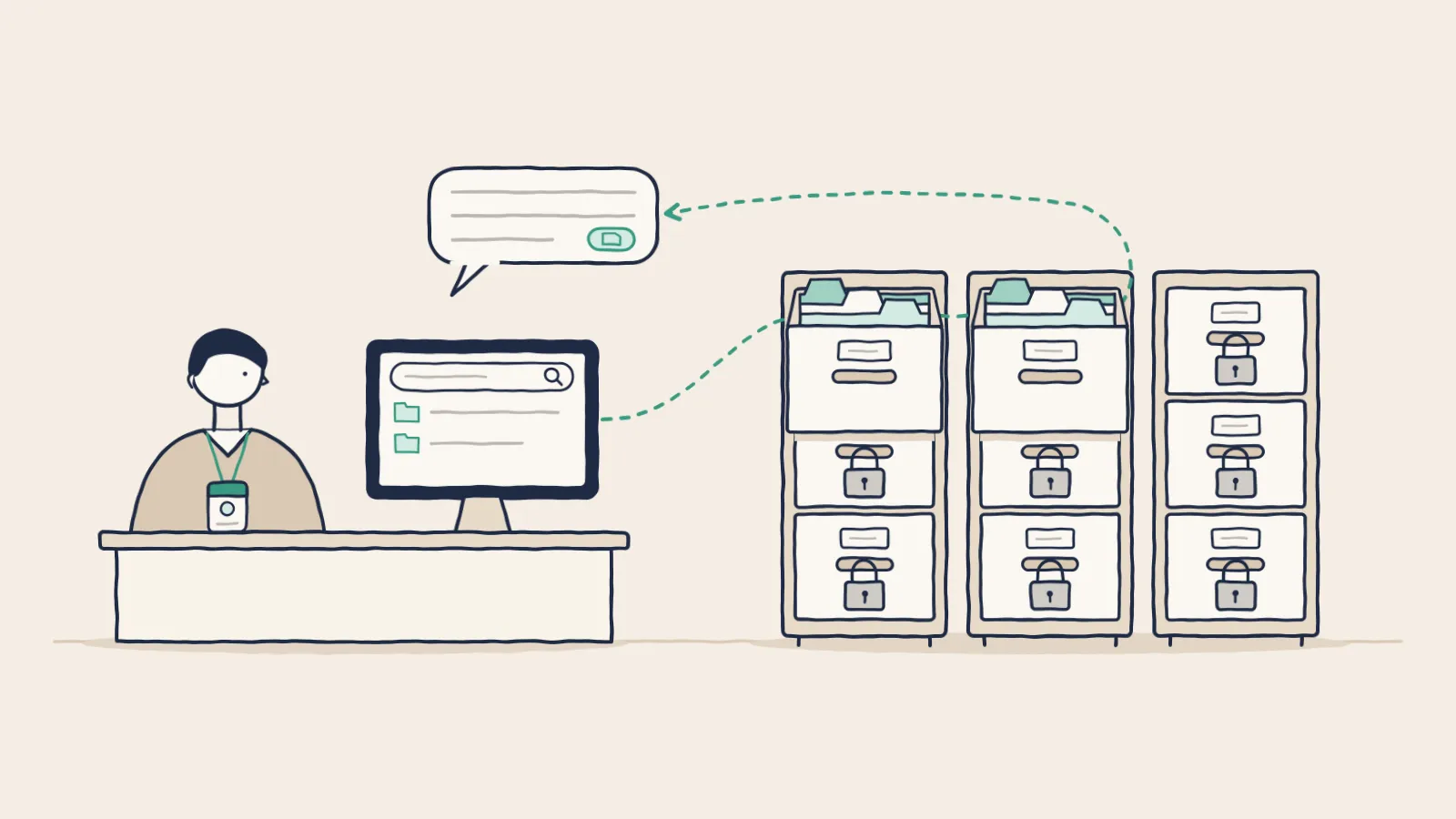
Permission-aware AI: answers and agents that reach only what the user can open
Make AI answers and agents reach only what each user can open: permission checks inside search, SSO roles, agent identity, audit logs, and tests.
See it answer from real documents
A 30-minute live demo. We reply within 24 hours.
See it in action