A loan officer asks the internal assistant why a covenant exception was approved. A nurse manager asks which policy drove a patient-routing call. A general counsel asks whether a draft summary pulled in privileged material.
In all three, the useful part sits behind the answer. What data did the model reach? What instructions shaped it? Who used it? Did a person check it first?
That is the job of AI model risk management. It is the set of controls that decide whether you can use an answer, defend it, and get it again later. The controls come first. The write-up just describes what they already do.
Scope the use case first, because the risk comes from the work the answer feeds. Sort by impact, and put the heavy oversight on work that drives decisions. Build identity, permissions, and logging into the system itself, since where it runs sets how far a policy can reach. Test on real files, including questions the tool should decline. Name who checks what, and what they can stop. Then keep the program running, because the files, the permissions, the prompts, and the model version all shift after launch.
Banks have a reason to look now. The agencies' new model risk guidance, SR 26-2, took effect in April 2026. It leaves generative and agentic AI out of scope by name, and the promised request for information is still pending. We covered what that means for smaller institutions in AI model risk for community banks under SR 26-2. Health systems, firms, and plants sit in the same spot under the NIST AI Risk Management Framework and ISO/IEC 42001, which say what a program should achieve and leave the build to you. Either way, the program running your AI today is one you wrote. It is also the one an examiner will read.
What decides how much oversight a use case needs?
Risk comes from context. Summing up public product reviews and summing up adverse-event reports are the same technical task with very different stakes. Treat every use case alike and you get one of two failures. Thin controls on the calls that matter. Or a sign-off process so heavy that simple work stalls and people go around it.
Start with a short use-case statement. Name the user, the workflow, the source data, the output you expect, and the cost of a wrong answer. Be exact. "Help compliance review policy updates" is too vague to judge. "Compare a draft policy against approved internal controls and cite the source documents" gives risk, legal, IT, and the business owner something to argue about.
Then sort by impact. The line that matters most runs between helper work and decision work. Helper work covers drafting, search, summaries, and analysis, with a person on the hook for the result. Decision work moves who gets approved, what care a patient gets, what lands in a financial report, or who reaches a service. Decision work earns harder testing, tighter limits, and steady oversight.
Use cases also drift. An internal research tool gets wired into a routing workflow a year later. Name who owns the trigger to sort it again, because that is the moment the first sign-off quietly expires.
Which AI risks need an owner?
A model fails in several directions at once. So look at the model, the data around it, the system that serves it, and the people using it. Five areas need a named owner.
- Data exposure. Sensitive files leave approved systems, land in logs, or get used for something else.
- Weak answers. The tool states wrong facts with confidence, drops context that changes the answer, or leans on an old document.
- Security and access. Weak identity checks, broad standing rights, loose connectors, and prompt attacks open the door.
- Fairness and harm. Answers carry the bias of the source files, or treat like cases in different ways.
- Vendor and operations. Fuzzy change control, shifting terms, usage caps, and answers you can no longer repeat all strip away your ability to oversee any of it.
These overlap on purpose. A badly set up file connector is a security problem and a quality problem at once, because people get files outside their rights and then act on them. Sorting risk fixes ownership, so every real gap has a desk to land on.
Why do the controls belong in the system itself?
A policy that says sensitive data stays protected reaches only as far as the build allows. By default, prompts, files, search indexes, and logs get processed on someone else's hardware.
For sensitive work, running the model inside your own network changes the picture. The model, the search, and your internal files stay inside walls you run. You still owe the firm a governance program. Private deployment is what lets you enforce one.
Identity has to carry the whole way. Single sign-on says who is asking. Role-based access says what they can do. File-level rights have to survive the search step, so a reworded question still lands inside the asker's own access. That step is where a lot of enterprise search quietly breaks, and it is worth seeing why rights belong inside the query.
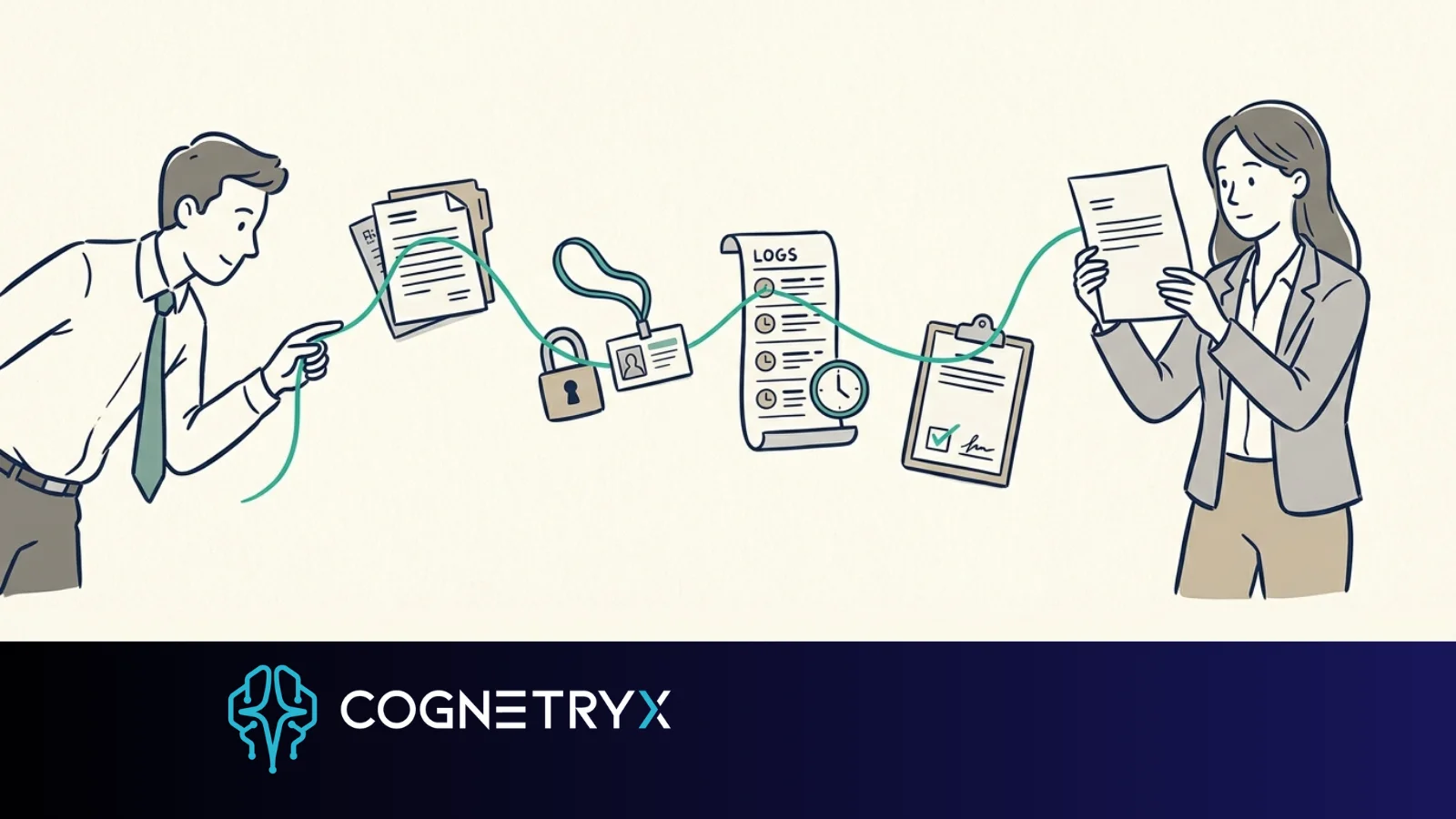
Logging is the other piece. Capture the user, the time, the model and version, the settings, the sources pulled, the answer, and any action taken. Keeping every sensitive line forever creates a new exposure, so plan how long you hold logs and what you strip out. The bar is simple. Keep enough to look into a real event, or to get a big answer again.
Citations do real work here. A citation lets someone check the answer and shows whether the tool used current, approved material or something the team replaced last quarter. The reviewer still supplies the judgment. The citation gives them something to check.
How do you test a generative system?
Old-style validation asks whether a model performs as intended inside set limits. A generative tool spreads that over answer quality, search quality, security behavior, user experience, and how it fails.
Build the test set from real work. Real files. The questions people actually ask. Edge cases, vague requests, restricted content, and the failures you already know about. Include cases where the right answer is that the evidence falls short. A tool that always answers looks strong in a demo and behaves badly in production.
Measure against the workflow. For a policy search tool: are the cited sources on point, do answers match the source, do required caveats show up, and do access controls hold when someone phrases a question to get around them? For pulling fields out of documents: is each field right, how does the tool handle low confidence, and does garbled or conflicting input get flagged for a person?
For work that matters, someone else has to sign off. The team that built the tool should test it, and a second group should hold the go-live call. Risk, compliance, security, legal, and the business owner each spot failures the others miss. Size their role to the impact. Write down the decision and the terms attached to launch.
What does human oversight have to spell out?
"Human in the loop" can mean almost anything. It turns into a real control once you name who checks, when they check, and what they can override or stop.
For high-impact work, a qualified person reviews the sources and the draft output before anyone acts. That person needs enough context to disagree. Take the citations, the confidence signals, and the policy limits out of that view, and the review becomes a signature.
For lower-risk work, oversight can be spot checks, quality review, user feedback, and exception reports. A busy internal search tool may need testing on a schedule. A tool that recommends an action touching a customer usually needs a look at each case. Match the method to the harm and the volume.
Train people on when to lean on the tool. Smooth writing is proof of smooth writing. Approved uses are the only uses. Sensitive output follows the rules you already have for sensitive material.
What changes after launch?
A tested system moves. Files get revised. Rights shift. Someone adds a connector. Someone edits a prompt. An open-weight model gets updated. Any of those can change behavior, and some need a retest before release.
Set change tiers early. A wording fix in the screen needs a lighter look than a new data source, a model upgrade, or a jump into higher-stakes work. For big changes, record what changed, why, the test results, who approved it, the rollout date, and the rollback plan.
Watch more than uptime. Track search failures, access exceptions, how often the tool says it lacks evidence, user corrections, repeat complaints, and scores against your test set. Check on a schedule that source files are current and the use case still sits inside what you approved.
Incidents need their own playbook. If an answer exposes restricted content, gives harmful advice, or comes out badly wrong, the team should already know how to save evidence, cut access, find affected users, fix the cause, and decide on notice. The right move varies by industry. Write the process before the first incident tests it.
What does an audit-ready record look like?
An examiner should be able to trace a live AI tool from purpose to proof. That record holds the use-case list, the risk rating, a data-flow write-up, the security controls, test results, approvals, user guidance, monitoring reports, and a change log.
Keep it tied to the running system. A record that describes a retired model version, an old file set, or a stale access design still reads as current until someone checks, and the reviewer walks away with the wrong picture.
Cognetryx is built for this. Answers stay tied to governed internal data, controlled access, and proof you can pull up later, because the model runs in your environment and the logs are yours.
What should you do this quarter?
- List the use cases. One line each: user, workflow, source data, output, cost of a wrong answer. Most teams turn up tools someone stood up quietly inside the first hour.
- Draw the line. Sort each entry into helper work or decision work, and put the heavy controls on the second list. That keeps oversight light enough that people still use the approved path.
- Rebuild one real answer from 30 days ago. Pick a decision-work case. Find what the tool pulled, which model version answered, and who checked it. Whatever you have to guess at is your first gap, and it is usually in the build.
- Ask where it runs. For each tool: where do prompts, files, search indexes, and logs get processed, and what can you read after? That answer sets which controls you can enforce and which you can only ask for.
The test is one sentence. When someone challenges a big answer six months later, can you say how it was produced, what it used, who saw it, and what controls were on? Build toward that answer before the first wide rollout. Once the challenge lands, the record is whatever you already have.
Make your AI answers defensible
A short assessment maps your AI use cases against the controls that make them governable, and shows what running the model in your own environment changes about the record you can produce.
Book a Free AI Strategy Assessment